built from a219562 ·

source

NixOS you can look after without a text editor.

Sekka is a NixOS desktop with a graphical installer, a keyboard-driven desktop and an app for software and updates. Underneath is what NixOS does best: every change builds a new generation, and the ones before it stay in the boot menu.

Experimental There is no release to download yet. What works today, and what doesn't

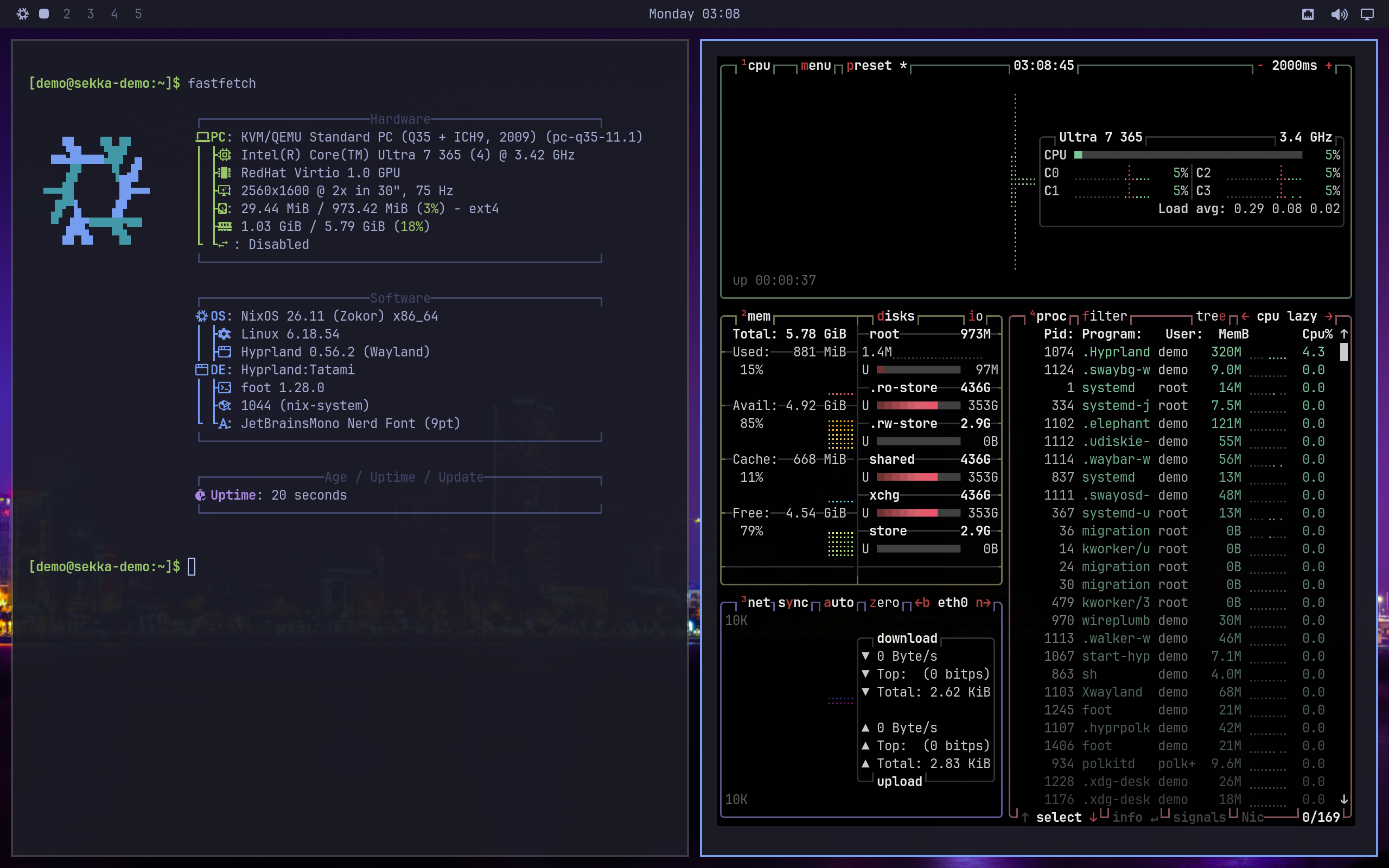
Tatami with two terminals tiled side by side: fastfetch and btop, in Tokyo Night colours.
Tatami in a disposable test VM built from Sekka's own modules. 2560 × 1600, not upscaled

Come in. Sit down. Watch the snow.

Genkan 玄関

the entrance

Choose your disk, account, desktop, applications and location, then review everything before anything is erased. Genkan builds and caches the system while you review, so the installation itself is short. It can bring your public SSH keys and Git identity from GitHub, and carry the live session's Wi-Fi into the new system.
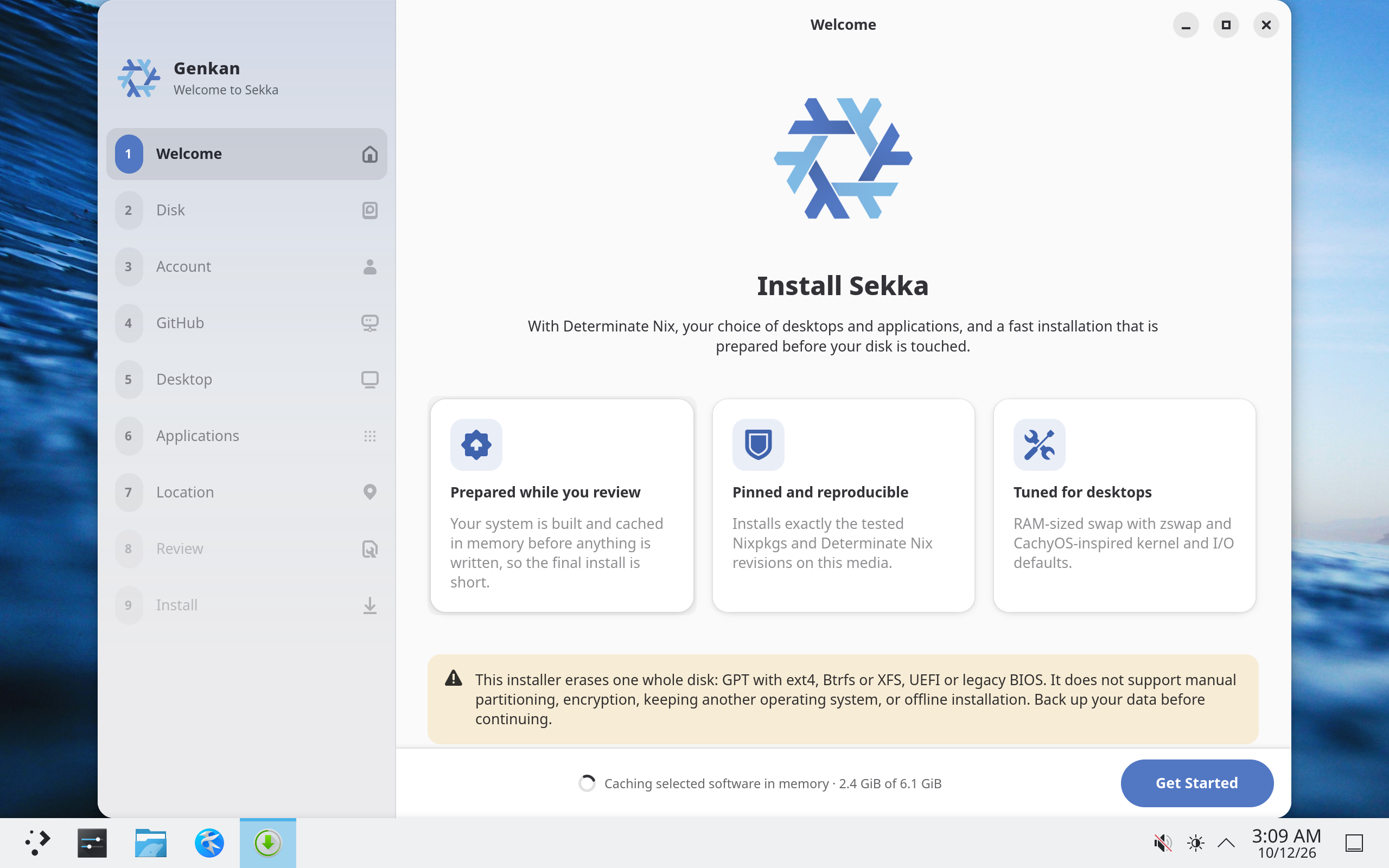
Genkan's welcome page: nine steps down the side, from Welcome to Install, and a warning that the installer erases one whole disk.
Genkan's debug preview with sample data, on Sekka's Plasma session. It still wears libadwaita's light theme and the NixOS snowflake. 2560 × 1600, not upscaled

Tatami 畳

the room you live in

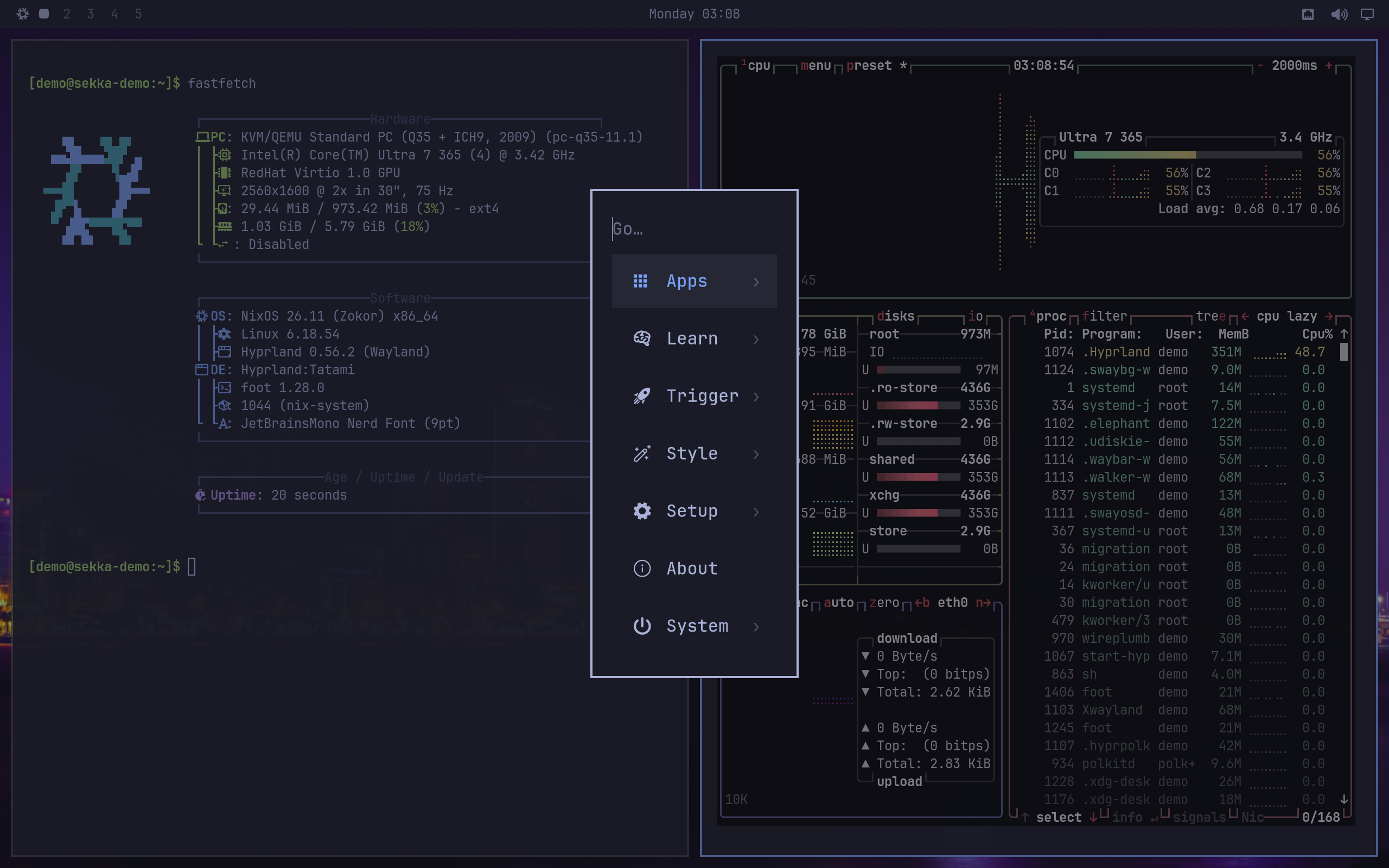
Tatami's menu open over two terminals: Apps, Learn, Trigger, Style, Setup, About and System.
The menu, opened with Super + Space. The bar still shows the NixOS logo. 2560 × 1600, not upscaled

A keyboard-driven Hyprland desktop, inspired by Omarchy and adapted for NixOS: a compact bar, a searchable menu, notifications, display settings and Keep Awake, in Tokyo Night with square corners.

More about Tatami

雪花 Sekka is an Edo-period word for snow crystals and the patterns drawn from them. The crest is a yukiwa, the snow ring of Japanese family crests.

The design

Yukimi 雪見

a window for watching the snow

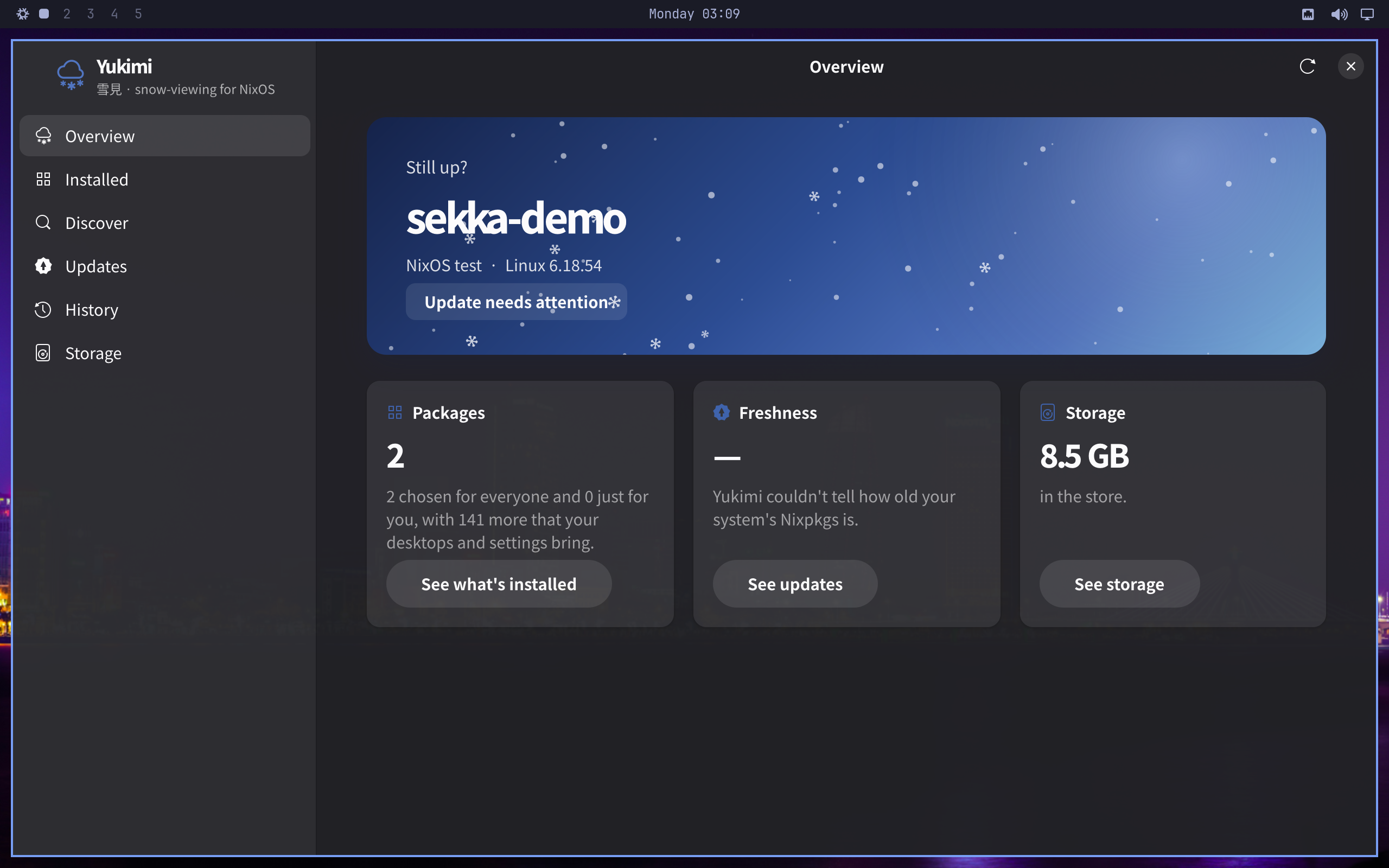
Yukimi's overview of a test machine named sekka-demo in Tatami's dark theme: package count, freshness and store size.
Yukimi in Tatami, reading a disposable test VM named sekka-demo, not an installed Sekka release. 2560 × 1600, not upscaled

See what's installed and why, find software, update, go back to an earlier generation and free up space, without editing Nix by hand. Yukimi explains what Nix is doing as it goes, and works on any NixOS system, flake or channels.

More about Yukimi

Or a desktop you already know

Plasma is the live session and the installer's preselected choice. GNOME, Xfce and vanilla Hyprland are there too. Install several and pick one at the login screen; they share your account.

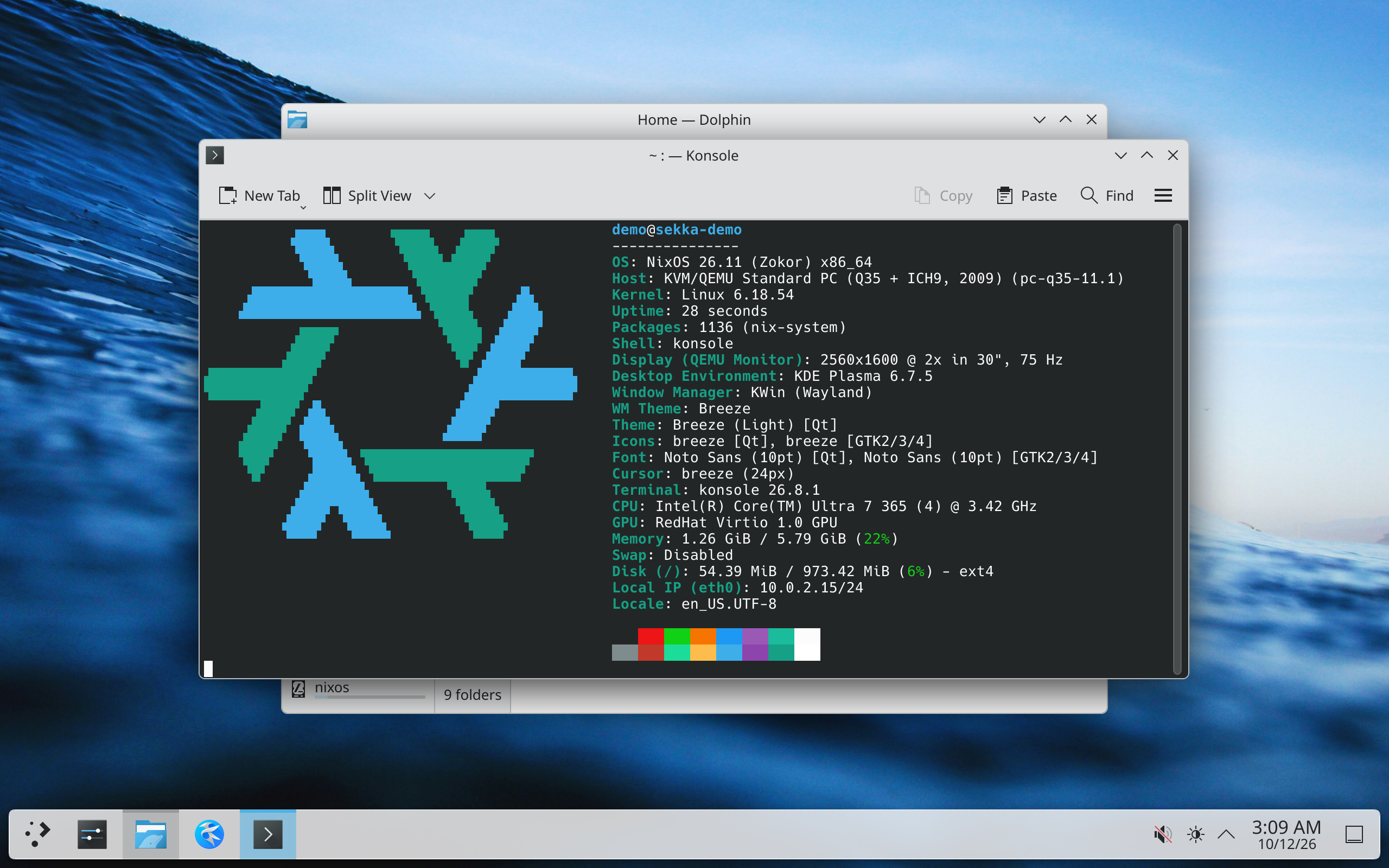
Sekka's Plasma session with Konsole running fastfetch over Dolphin.
Plasma, in a test VM. 2560 × 1600, not upscaled
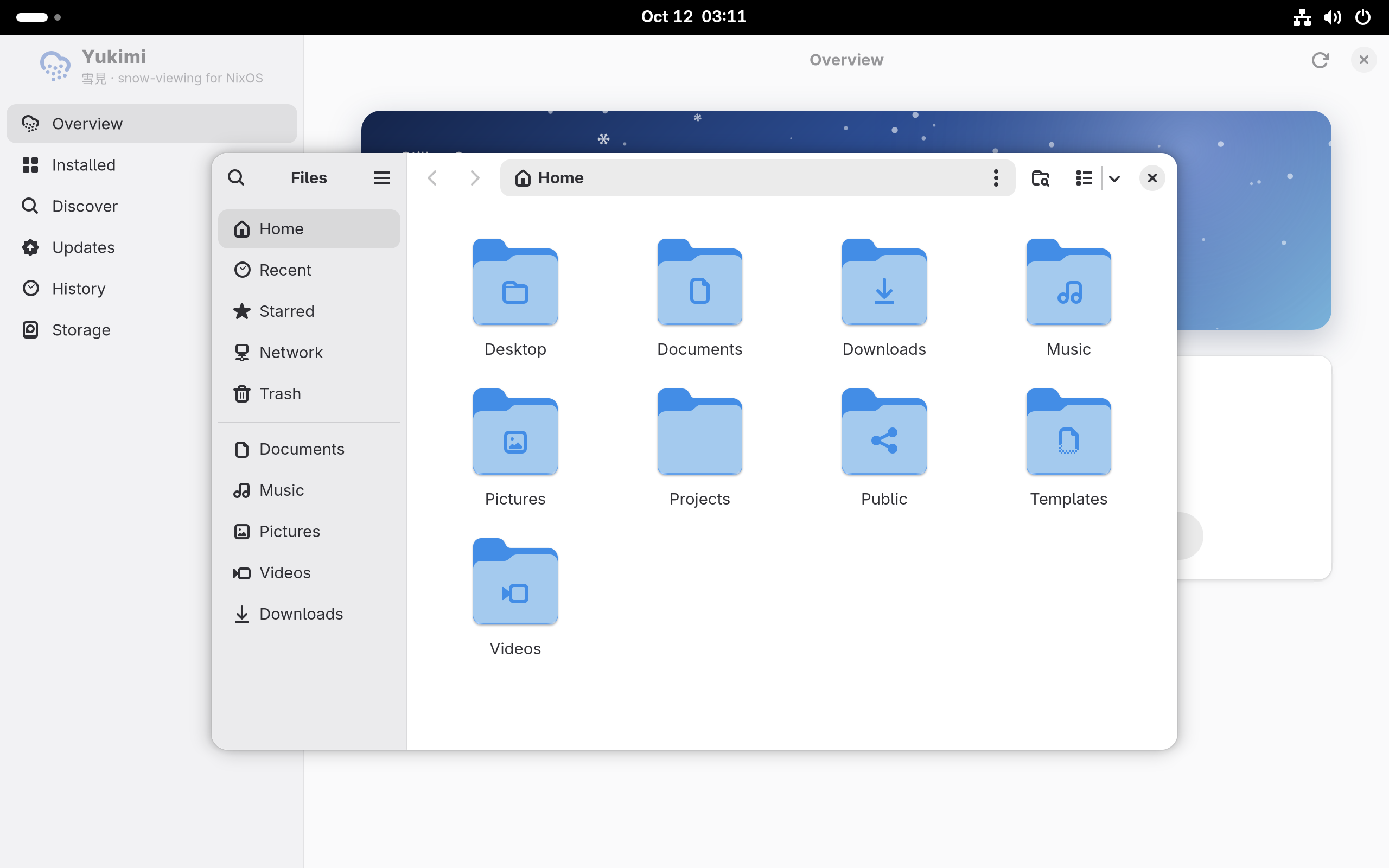
Sekka's GNOME session with Files open over Yukimi.
GNOME, in a test VM. 2560 × 1600, not upscaled

Why you shouldn't use Sekka (yet)

Sekka is an early, experimental project. It is not ready to be your dependable everyday operating system. Try it in a disposable virtual machine or on a spare computer with nothing you need to keep.

What it's good at

  • Every change is a generation. Updates, configuration changes and rollbacks each build one, and earlier ones stay in Yukimi's History and the boot menu.
  • The install is prepared before your disk is touched. Genkan builds the system while you review, then copies it.
  • An update is one action. Sekka decides whether a change can apply now or should wait for a restart, and it never restarts or signs you out on its own.
  • Keep Awake tells the truth. It checks that sleep is really held off and turns its cup red when it can't.
  • Docking behaves. Close the lid with a screen attached and the laptop keeps working on the other screen; windows stranded by an unplug come back.
  • Sekka's own packages download instead of compiling, from a public, signed binary cache.

What it isn't, yet

  • No encryption, manual partitioning or dual boot.
  • No offline installation.
  • Little real-hardware evidence. Docking, lids and wake have been tested with simulated displays and switches, not across physical docks, cables and panels.
  • No Secure Boot path and no ARM image.
  • No release. Building an image is a developer workflow for now.
  • Not all of it looks like Sekka yet. Genkan and Yukimi still use libadwaita's light theme and NixOS blues.

The full status, and how each part is tested